Play a Real Harp Online Free (23 Strings in Your Browser)
July 19, 2026 · 6 min read · by the ClipCraft team
You can play a harp online right now, on this page. The instrument below is the real Concert Harp from SoundCraft, our free browser DAW, and it plays the same recorded strings the editor uses. Drag across them for a glissando. On a phone, swipe. Tap a single string and it rings out on its own, and the red and blue strings mean the same thing they mean on a real harp: red is C, blue is F.
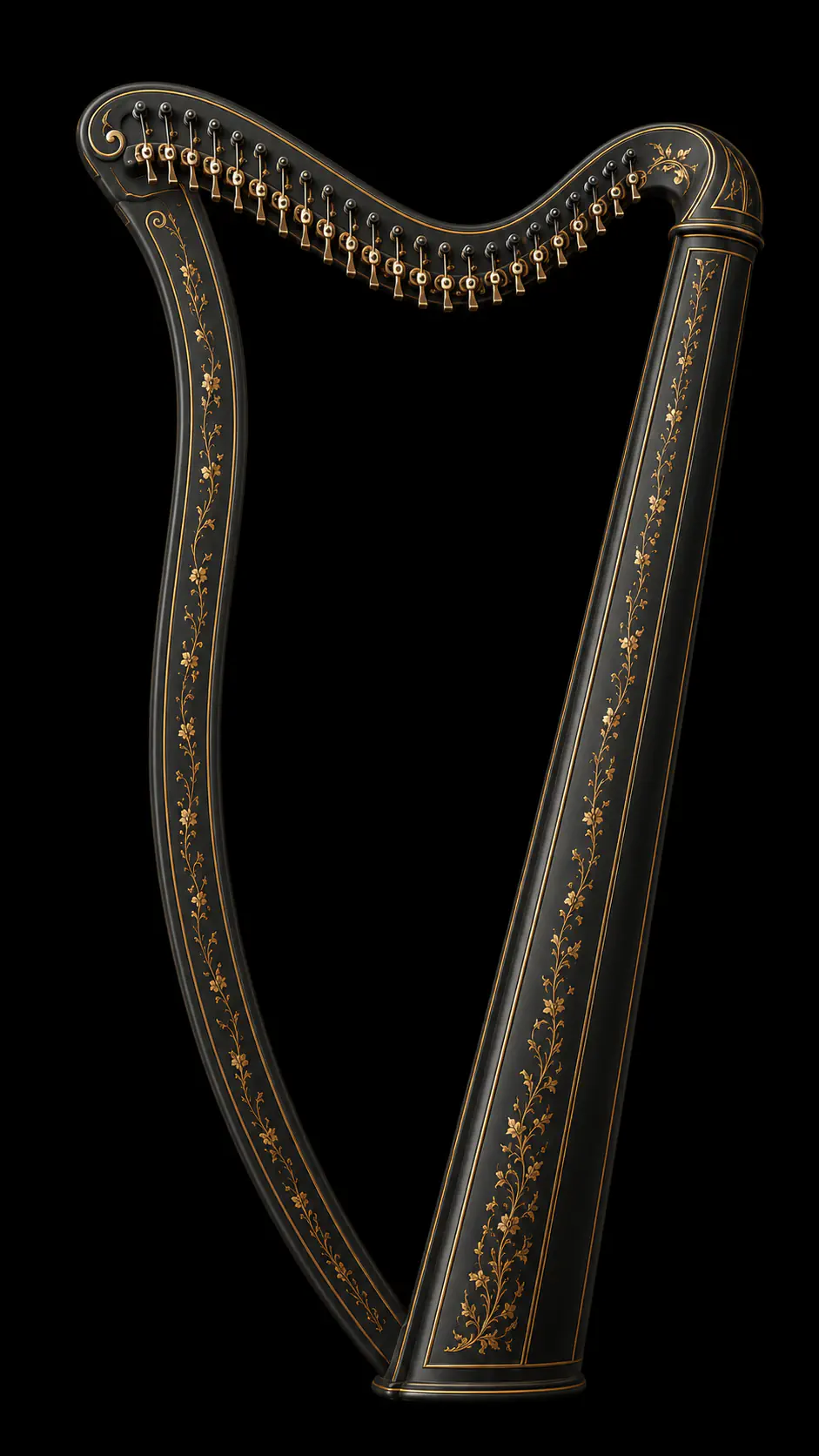
Drag across the strings to strum, or tap one to pluck it. Red strings are C, blue are F. The full harp in SoundCraft adds sharping levers, all 12 keys, recording and MIDI.
VSCO 2 Community Edition harp samples · Versilian Studios · CC0
A real harp, not a synthesizer
Every note you just played is a recording of an actual concert harp. The samples are the VSCO 2 Community Edition harp from Versilian Studios, released into the public domain (CC0), and we prepped 23 of them for the browser: one pluck roughly every third semitone from E1 up to F7, trimmed, mono, peak-matched. The whole bank is about 4.7 MB and loads once, in the background. When you pluck a string the engine grabs the nearest recording and repitches it, never by more than about two semitones, so you always hear mostly the real instrument rather than a stretched artifact of it.
That approach is the same one our multi-sampled grand piano uses, and it's why the low strings have that woody thump a synthesized pluck never quite gets.
How to play the harp in SoundCraft
The demo above is the appetizer. The full instrument lives in SoundCraft: open the instrument rack, click the Harp card, and a harp channel lands in your project with four knobs (Volume, Warmth, Ring, Transpose). The fun button is the gold one that says "Open the harp." It opens the playable harp in a floating window you can drag anywhere, resize, or pop out to its own window on a second monitor.

Three ways to play it. The mouse: click a string to pluck it, drag across the strings to strum, and your drag speed becomes the velocity, so a lazy sweep is soft and a fast rake is loud. The computer keyboard: the Caps-Lock row (Caps Lock, A, S, D and on through Enter) plays thirteen strings as white keys, and the QWERTY row above it plays the sharps and flats that sit in the cracks. Where the scale gap is only one semitone, E to F for instance, the black key is dead, exactly like the missing black key on a piano. And a hardware MIDI keyboard just works, through the same routing every SoundCraft instrument uses.
Everything you play gets recorded if you want it to be. Mouse plucks stamp notes into a rolling MIDI take, keyboard notes record with their real held lengths, and the notes land in the piano roll where you can edit them like anything else. The Ring knob decides how long a string keeps sounding after its note ends. It defaults to 1.8 seconds of let-ring, and pushing it to 4 turns arpeggios into a wash, which on a harp is usually the point.
Sharping levers and the 12-key retune
A concert lever harp isn't chromatic. The 23 strings give you a major scale, three octaves and change, and you get the other notes by flipping small levers at the tuning pins. Ours works the same way: click a pin and its lever cycles from natural to sharp to flat, with a little gold badge showing the accidental. Retuning a C harp to D major the traditional way means flipping seven levers (every F string up a half step, and every C string too; there are three Fs and four Cs). You can do exactly that here, pin by pin. Or open the Key menu, pick D major, and the whole harp retunes at once. The bottom red string is always the root of whatever key you choose.

Auto key tunes the harp to your song
My favorite feature is the little button that says "🎧 Not sure? Auto key." Click it and SoundCraft quietly renders your project's mix in the background (no playback, capped at 45 seconds of audio), listens for the key with the same detection our Auto Key tool uses, and tunes the harp to match. If your song is in a minor key it tunes to the relative major, which sounds like a dodge but is real lever-harp practice: E minor and G major are the same seven notes, so the readout says so honestly ("Heard E minor → tuned G major (the same notes)"). An empty timeline gets an honest answer too, instead of a guess.
This matters because a diatonic harp in the wrong key sounds terrible fast. Tuned to the right one, you can drag a finger across the strings over your own track and everything you hit belongs. It's the closest thing SoundCraft has to a cheat code, and it's why the harp is a genuinely useful texture layer for song intros and transitions, not a novelty.
What it doesn't do yet
- One velocity layer per string: playing harder gets louder, but the timbre doesn't change the way a hard pluck changes on the real instrument.
- No pedal-style preset morphing between tunings mid-phrase. You retune, then play.
- The window's portrait artwork is a tight fit on phones. It works, but the harp is happiest with some vertical space.
Like every SoundCraft instrument, the harp is free. The editors don't cost tokens and there's no export watermark; paid plans sell storage and AI compute, not instruments. If you already make music in SoundCraft, the harp is one rack click away. If you don't, a free account gets you the whole DAW, and the harp records straight into the piano roll next to your drums and vocals. There's a strummable guitar that shipped alongside it, too.
Play the full harp in SoundCraft free
Sign up free and open the Concert Harp in a real browser DAW: sharping levers, all 12 keys, auto-key detection, MIDI, and recording straight into your song.
Open SoundCraft free